Beep Pacer app icon
Coming soon · iPhone · iOS 18+

Beep Pacer

Run on pace. Keep your music.

An audio-only pace coach. It beeps through your AirPods the moment you drift off your target pace, and never pauses, ducks, or interrupts the music you're already playing.

Coming soon to theApp Store See how it works

Works alongside your Apple Watch, AirPods, and Apple Music. They keep doing their thing.
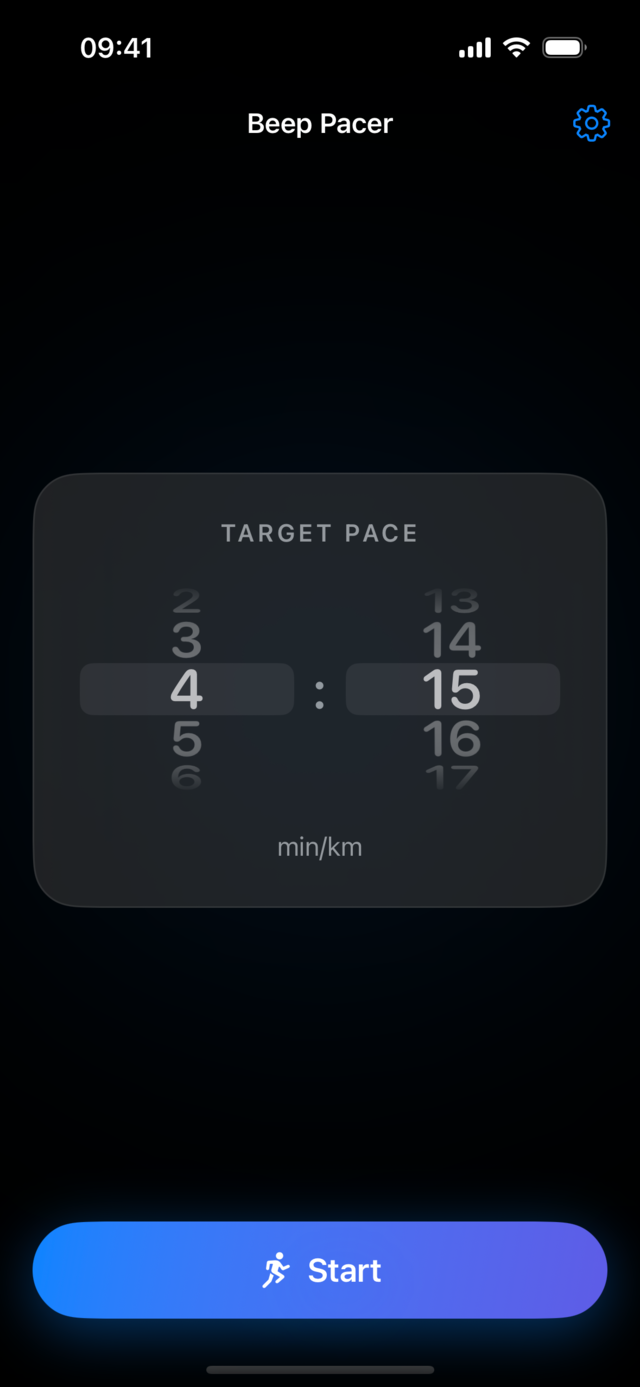
Beep Pacer home screen showing a 4:15 min/km target pace and a Start button

Your pace, as sound

One glance-free signal. The pitch tells you which way to adjust; how often it beeps tells you how much.

← FasterSlower →
🤫
Too fast
Beyond range · silent
High pitch
Ease off. Beeps quicken the further you push
On target
Silence. A double-beep greets you on arrival
Low pitch
Pick it up. Beeps quicken the further you fall back
🤫
Too slow
Beyond range · silent

Pitch = direction

High means you're too fast and should ease off. Low means you're too slow and should push.

Frequency = urgency

The further off pace you drift, the faster, louder, and more extreme the beeping gets.

Silence = all good

Quiet when you're on target, and quiet again when you're too far gone to nudge back.

Built to disappear into your run

No screen to watch, no music to babysit. Just set a pace and listen.

Mixes with your music

Beeps overlay Apple Music straight through your AirPods. No pausing, no ducking, no fuss.

Pitch points the way

A high beep means too fast, a low beep means too slow. You learn it on the first run.

Urgency you can hear

The size of your drift drives the beep: faster, louder, and more extreme the further off you are.

An on-target zone

A tunable band of silence around your goal, with an optional double-beep when you settle in.

Lives in your pocket

Driven by GPS, it keeps coaching with the screen off and the phone tucked away.

Private by design

Pace is computed entirely on-device. Your location never leaves your iPhone.

Powered by your GPS

The steady stream of GPS fixes is the app's heartbeat, and every knob is yours to tune, even mid-run.

1

Locate

Each GPS fix (about once a second) updates your smoothed, real-time pace.

2

Decide

That pace is checked against your target, your on-target zone, and your coaching range.

3

Beep

If you're off pace, a beep fires, its pitch and tempo encoding how far off you are and which way.

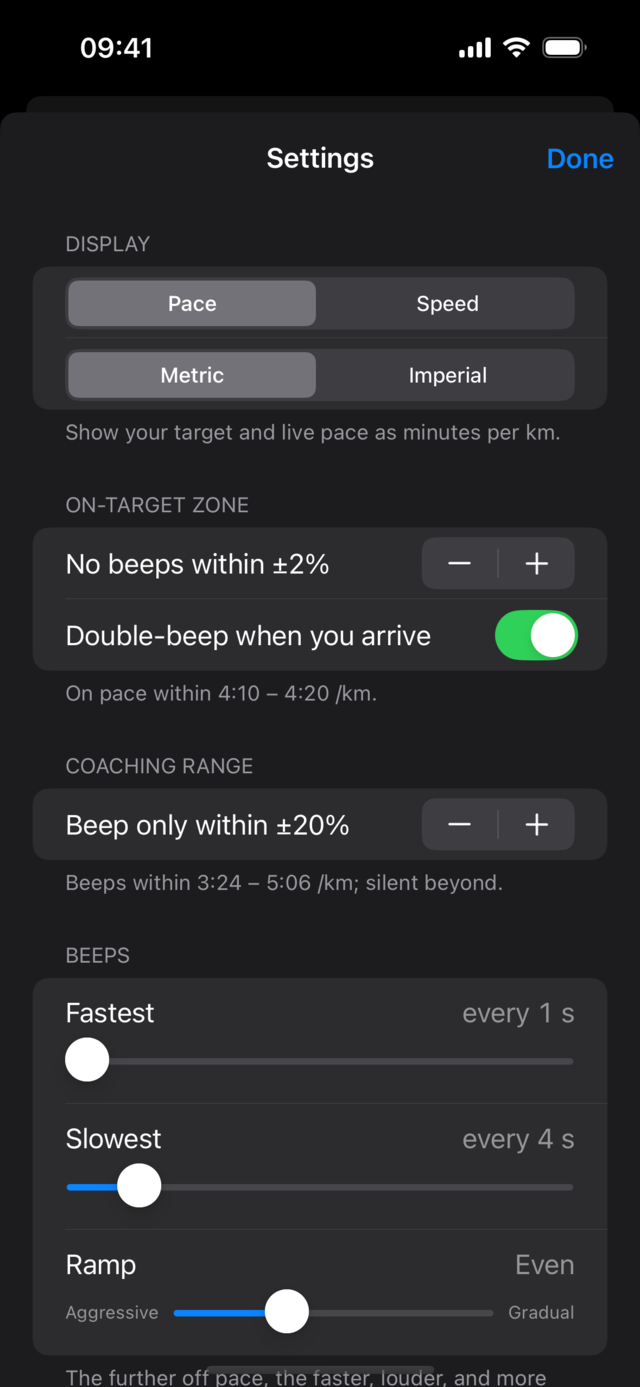
Why it survives a locked screen: there's no background timer (those get throttled). The beats ride the location updates, so the coaching keeps going with the phone away. Choose pace or speed, metric or imperial, set auto-stop, and shape the beep ramp, all in Settings.
Beep Pacer settings: display units, on-target zone, coaching range, and beep timing